
In the world of e-commerce, product images aren’t just a simple picture; they are the sales equipment. High-quality product images are the single most important factor in a customer’s decision to click “add to cart.” For online brands and marketers, this means a professional product photography setup isn’t a luxury; it’s a necessity for creating images that convert.
If you’re a product photographer, you know the pressure is on to deliver stunning, commercial-quality shots every time. But with so much gear available, it can be tough to know what’s truly essential. Are you using the right camera? Do you have the best lighting? This endless questioning can make building an effective toolkit feel overwhelming.
This guide cuts through the noise. We’re providing a definitive list of the 10 essential items every product photographer needs for a successful product photography setup. With these tools, you’ll have everything required to capture crisp, clean, and compelling images that make products fly off the virtual shelves.

-
The Right Camera
While many modern cameras can take decent photos, a DSLR or Mirrorless camera gives you the manual control and image quality needed for professional work. These cameras allow you to adjust settings like aperture, ISO, and shutter speed to perfectly expose your shots.
When choosing a camera, look for these key features:
- Full Manual Mode: This is non-negotiable for having complete control over your final image.
- Interchangeable Lenses: The ability to switch lenses gives you the flexibility to shoot everything from tiny jewelry to large furniture.
- High Resolution: A higher megapixel count allows for larger prints and gives you more flexibility when cropping in post-production.
DSLRs have long been the industry standard, but Mirrorless cameras are quickly gaining ground. Their electronic viewfinders are a significant advantage, as they let you see exposure changes in real-time. This means what you see on the screen is exactly what you get, streamlining your shooting process.

-
A Versatile Tripod
A sturdy tripod is one of the most critical components of any product photography setup. It eliminates camera shake, ensuring your images are consistently sharp. This is especially important when working with slower shutter speeds in a studio environment to let more light into the sensor.
When selecting a tripod, prioritize stability and flexibility. Look for one with an adjustable height that suits your needs and a flexible head—either a ball head for quick adjustments or a 3-way pan-tilt head for precise, methodical movements. A tripod also enables you to shoot composites, where you take multiple photos of the same product with different lighting and combine them later.

-
Proper Lighting Equipment
Lighting is arguably the most important element in product photography. It sets the mood, defines shape, and highlights texture. Your two main options are strobe (flash) lighting and continuous lighting.
- Strobe Lighting: Strobes produce a powerful burst of light. They are incredibly bright, which allows you to use a lower ISO for cleaner images and a smaller aperture for a deeper depth of field. The downside is that you can’t see how the light will fall on your product until you take the shot.
- Continuous Lighting: Continuous lights, like LEDs, stay on throughout the shoot. This makes them more beginner-friendly, as you can see the lighting and shadows in real-time. However, they are typically less powerful than strobes and can generate heat.
For a basic but effective setup, start with at least two lights. This allows you to create a key light (your main light source) and a fill light to soften any harsh shadows cast by the key light.
-
Light Modifiers
Raw light from a flash or an LED panel can be harsh and create unflattering, hard-edged shadows. Light modifiers are essential tools used to shape, soften, or diffuse your light source for more professional results.
Here are a few must-have modifiers:
- Softboxes: These enclosures fit over a light source and are lined with a reflective material, with a diffusion panel at the front. They produce a soft, even light that’s perfect for minimizing shadows and creating a clean, commercial look.
- Umbrellas: A budget-friendly and portable option, umbrellas create broad, soft light. A shoot-through umbrella diffuses light, while a reflective umbrella bounces it.
- Reflectors and Bounce Cards: These are used to fill in shadows by bouncing existing light back onto the product. You don’t need expensive gear here; a simple white foam board from a craft store works perfectly as a bounce card.

-
A Clean Background
To make your product the hero of the image, you need a clean, non-distracting background. A cluttered or busy backdrop pulls focus away from what you’re trying to sell.
Seamless paper rolls are the industry standard for a reason. They are versatile, affordable, and provide a smooth, uniform background. White is the go-to for most e-commerce photography, but it’s wise to also have gray and black rolls on hand. For a more permanent solution, a cyclorama wall (or “cyc wall”) creates a seamless “infinity” curve from the wall to the floor, eliminating any corners or edges in your shot.
-
A Shooting Table or Surface
You’ll need a stable, dedicated surface to place your products on. For smaller items like cosmetics or gadgets, a professional shooting table is an excellent investment. Many are designed with a translucent, curved surface that you can light from below to create a pure white, shadowless background for high-key shots.
For larger items or lifestyle-oriented photos, you can use clean tables, wooden platforms, or even the floor. The key is to choose a surface that complements the product without distracting from it.

-
The Right Lens
The “kit lens” that comes with many cameras is a good start, but investing in a specialized lens will dramatically improve your image quality. Different lenses are suited for different tasks.
- Prime Lens (e.g., 50mm): Prime lenses have a fixed focal length, meaning you can’t zoom. This simpler construction often results in sharper images than zoom lenses. A 50mm lens, often called a “nifty fifty,” is a fantastic, affordable option known for its sharpness and wide aperture, which is great for creating a shallow depth of field.
- Macro Lens: If you’re shooting small products like jewelry, watches, or electronics, a macro lens is essential. It allows you to focus from a very close distance and capture intricate, true-to-life details that other lenses simply can’t resolve.
-
Tethering Cable and Software
Tethering is the process of connecting your camera directly to a computer so you can see your photos on a large screen in real-time as you shoot. This simple practice can transform your workflow.
Shooting tethered allows you to check focus, composition, and lighting with far more accuracy than on your camera’s small LCD screen. It provides instant feedback for clients or art directors on set and streamlines your workflow by saving images directly to your computer. All you need is a tethering cable compatible with your camera and software like Adobe Lightroom, Capture One, or your camera manufacturer’s utility software.

-
Post-Processing Software
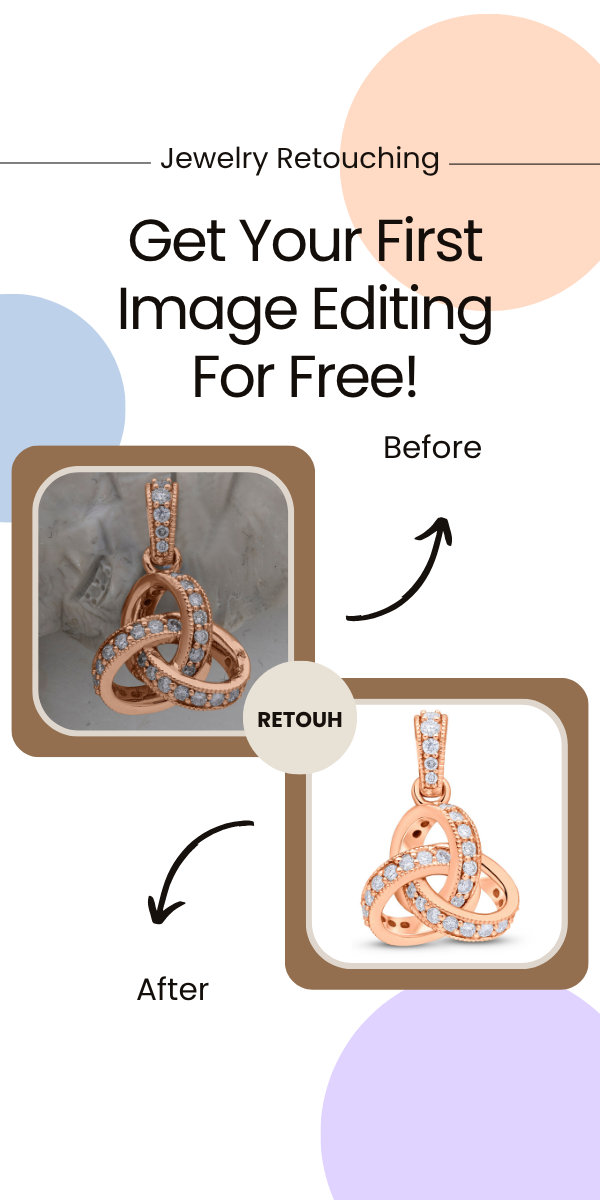
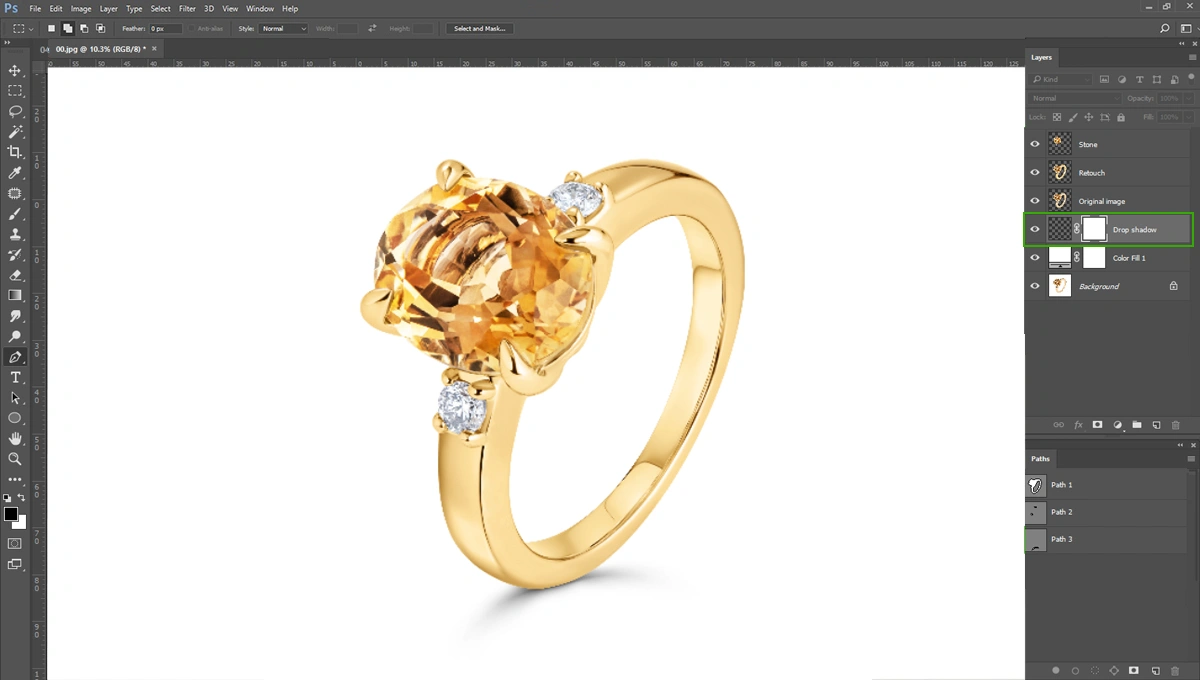
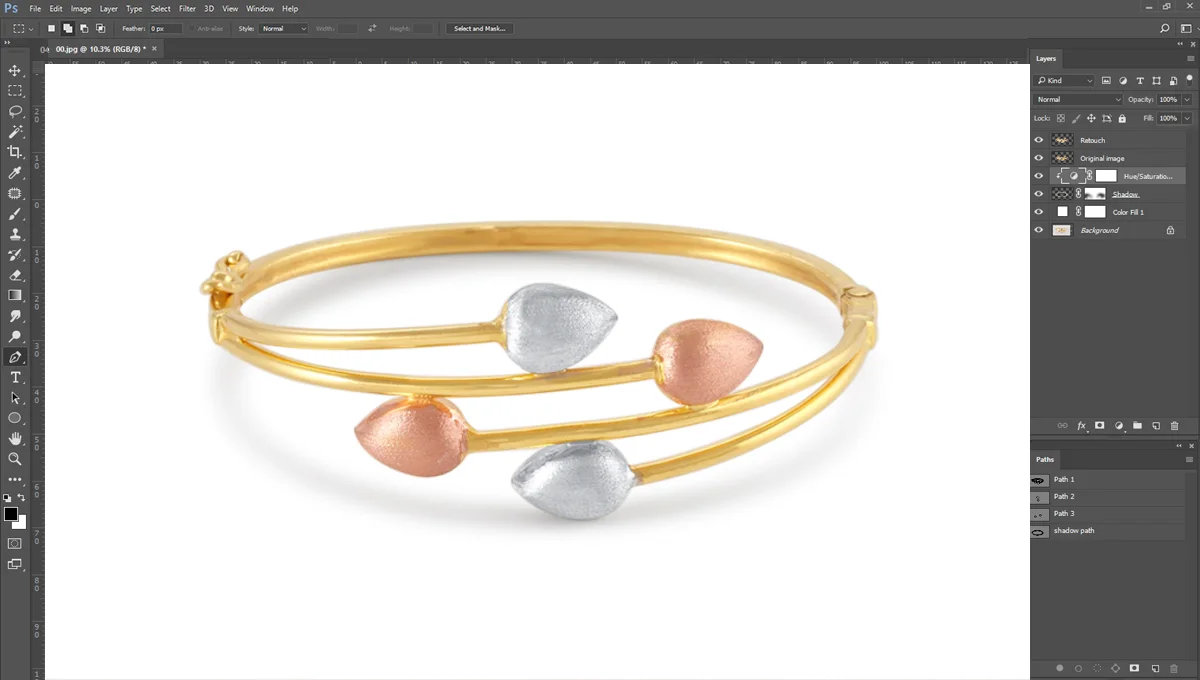
Editing is a vital final step in every professional product photography setup. Even the best-shot images can be improved with some retouching. Post-processing allows you to correct colors, remove dust and blemishes, and ensure consistency across a set of images.
The industry-standard tools are Adobe Lightroom and Adobe Photoshop.
- Lightroom is best for organizing your photos and making basic edits like exposure, color correction, and cropping across batches of images.
- Photoshop is the powerhouse for more advanced retouching, such as removing complex blemishes, cutting out backgrounds, and creating composite images.
-
A Cleaning Kit
This last item may seem basic, but it’s absolutely crucial. Dust, smudges, and fingerprints on a product or your camera lens can ruin an otherwise perfect shot and create hours of extra work in post-production. Keep a dedicated cleaning kit on hand at all times. Your kit should include a microfiber cloth, an air blower to remove dust without touching the surface, and a specialized lens cleaning solution.
Build Your Perfect Setup
Investing in a professional product photography setup is an investment in quality, consistency, and ultimately, sales. Each of these 10 items plays a vital role in creating images that stop scrollers in their tracks. By mastering this equipment, you’ll not only elevate the quality of your work but also attract better clients and command higher rates.
Now that you have your gear list, it’s time to perfect your technique. Check out our guide on “Master the Lighting in Studio Photography” to take your skills to the next level. You can also read “15 Essential Photography Tips Every Beginner Must Know“.
Frequently Asked Questions
What equipment is essential for a basic product photography setup?
- Camera: A DSLR or mirrorless camera is ideal, but a high-quality smartphone camera can be a great starting point for beginners.2
- Tripod: Crucial for stability, sharp images, and consistent framing across multiple shots.3
- Lighting: Natural light (near a large window) or continuous artificial lights (LED panels, softboxes, or ring lights).4
- Backdrop: Simple, seamless white or neutral-colored paper/vinyl (a “sweep”) or a light tent/lightbox.5
- Light Modifiers: Reflectors (white foam/cardboard or dedicated reflectors) and diffusers (sheer white fabric or a dedicated diffuser).6
What’s the best type of camera for product photography?
While professional studios often use DSLR or mirrorless cameras (especially full-frame for best quality), a modern smartphone with a high-resolution camera and manual controls is perfectly adequate for most small e-commerce sellers, provided you have good lighting and a stable tripod.
Which lens should I use for product photography?
- A 50mm prime lens is a great, affordable starting point on a full-frame camera (or its equivalent on a cropped sensor).7 It minimizes distortion.8
- A Macro lens (e.g., 60mm or 100mm) is ideal for capturing small items like jewelry, electronics, or fine details.9
Do I need an expensive lighting kit?
No. You can start with natural window light. Place your setup next to a large window and use a white bounce card on the opposite side to fill in shadows. For more control and consistency, simple LED continuous lights or a softbox kit are an excellent next step.